



























Overview
How things stand today, and what needs doing now.
- Today’s bookings and payments
- Requests to confirm
- What to do to go online
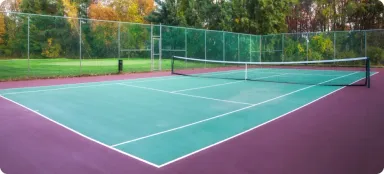
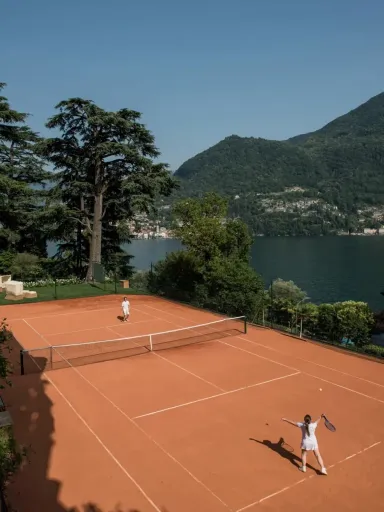
For people who run Tennis courts
On elibero the people who play tennis at your club book a court, set up matches and message you when they need to. The matches you open, your tournaments and your hours on offer are all on your venue's public page.
No credit card · Publish your page when you're ready · Cancel from the dashboard
Is your venue already on elibero? Claim it
Also for Padel, Pickleball, Beach volleyball, Basketball, Five-a-side, Eight-a-side, Eleven-a-side
Public page
The club and each venue have a public page on elibero, with photos, courts, opening hours, prices and the hours free right now, and people book from there. Further down are your players, their matches and what they write about you.
Top players
The ten players with the most matches at your venue.
Open matches
Matches on your courts that are still a player short. The page shows the free spots, and anyone can join from there.
Reviews
Only people who have played at your venue can leave one. You reply, and everyone can read your reply.
Favourites
Players who save your venue get an alert when you put an empty hour on offer.
Open matches
A match that's a player short ends up where players in the area can see it, and whoever is free joins from the app. You make no calls and the court fills up.
On nearby players' home screen
Open matches appear on the home screen of people looking for a game, and on your venue's page.
An alert to people who play nearby
When a player opens a public match on your courts, people who play within 20 km and those who saved your venue get a notification.
Waiting list and substitutes
If someone drops out, the first person on the waiting list takes the spot, and anyone who can't make it can hand their place to another player.
The ‘Two players wanted’ graphic
For the matches you open, the dashboard prepares a graphic to share on social media and in group chats.
Alerts go out for matches opened by players. Matches the club opens show up on the home screen and on the venue page.
Matches and tournaments
You can open a match on a free hour yourself, with the spots and the share per person, and choose whether to block the court. Players open matches on your courts too. When a match is full there's a waiting list, and everyone pays their own share to the club, at the front desk or by card.
For tournaments, entries come in online, with a waiting list. You make the draw, enter the results, and players follow the draw and the standings on their phone.
What the player does on their phone, and where you find it in the dashboard.
The player books on their phone, and the booking appears in your schedule.
With manual confirmation on, it arrives as ‘To confirm’ instead.
Messages
Players write to you from the venue page, and each one has their own conversation with the club. You and your staff see the same messages and whether someone has already read them. From the conversation you can also make a booking in their name.
One message to many people
Ask the assistant to write to your members, your registered athletes or the people who have booked since September. Each person gets it in their own conversation with the club.
Notifications on your phone
A booking request, a cancellation, a message or a new review reaches your phone as an alert. The staff you choose get them too.
Up to 200 people per send. It's for service notices, such as a change of opening hours, not for advertising.
Members and registered athletes
People apply for membership in the app. You approve them, the members' register updates, and you track fees from the dashboard. Registered athletes are kept season by season, and you see right away which membership cards are about to expire.
Prices for members and registered athletes
When they confirm a booking, they see their member or registered athlete price.
Trusted members
For members you know, bookings are confirmed straight away, even at venues where you usually confirm by hand.
Members and the members' register are for sports associations, such as ASDs.
Graphics
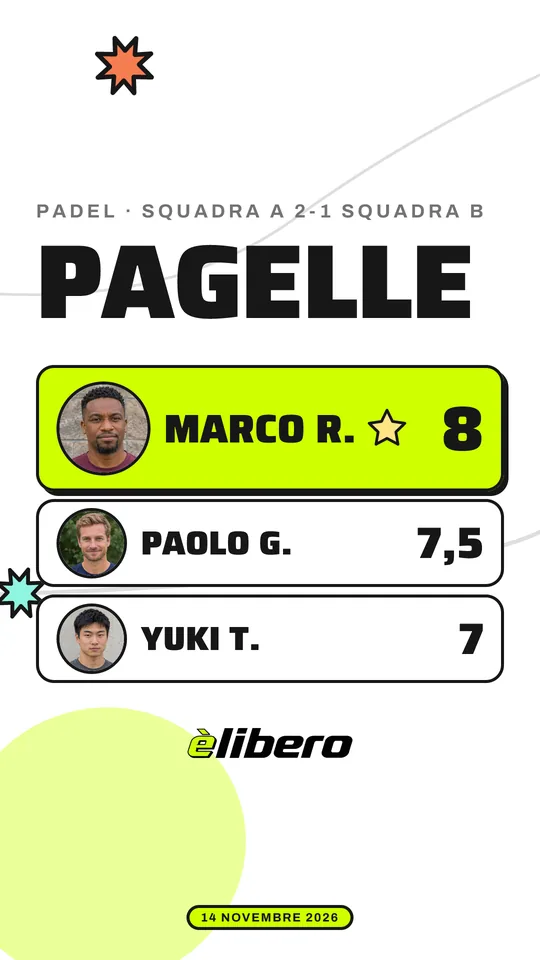
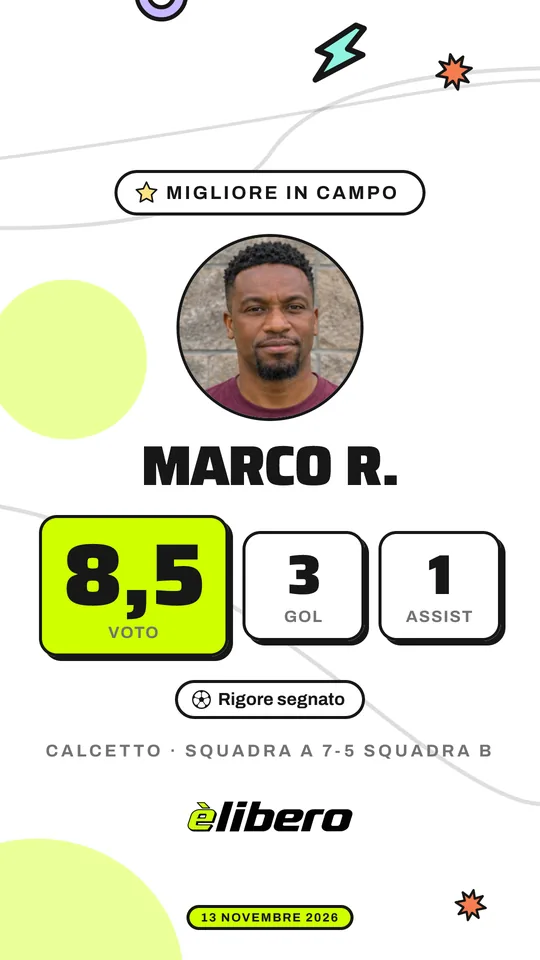
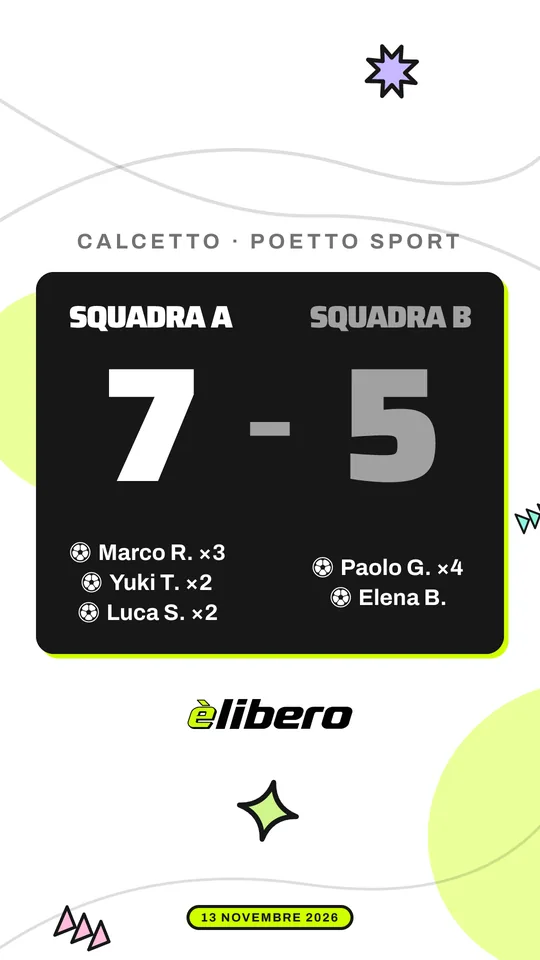
After the match, players share the result, the ratings and the player of the match in Instagram stories or on WhatsApp. For public matches, the result graphic shows your venue's name.
When you put an hour on offer, open tournament entries, a match is a player short or you close the venue, the graphic is ready, with your colour, your logo and your font. It comes as a story, a portrait post and a square post, with a caption to paste, and you can share it or download it.
Graphic

Colour
Appearance
Format
On Thursday at 6:30pm Tennis 2 costs €25 instead of €40. Book it on elibero.
Graphics for opening hours, free courts, the booking QR code and ‘Siamo su elibero’ are free for every club. The others are included in the subscription.
Assistant
In your own words, as you'd say it to a member of staff. The assistant shows you a card with what it's about to do, and nothing happens until you confirm.
It takes four steps to connect. Then you ask how the week went, who still owes money or which courts are free tomorrow. If you allow it from the dashboard, it can also change a price or a booking rule, and asks you to confirm first.
You switch the connection and any changes on from the dashboard, and you can turn them off whenever you like.
You'll find it in the dashboard's messages. Pick a request below and see what it does: questions get an answer straight away, and for anything that changes something it shows you a card and waits for your confirmation.
The dashboard
Below are real dashboard screens, simplified and filled with sample data.
Players book from your page whenever they like, even at two in the morning. You see the day, the week or the month on one grid and already know who's playing tomorrow. The phone call that still comes in goes into the schedule with one tap. On the front desk tablet there's a full-screen mode, with a ‘To prepare’ row for the day's equipment.
Every online booking comes from a verified account, with a name. Before confirming, the player accepts your rules, meaning how late they can cancel and what they pay if they don't turn up. If you want the final say, turn on manual confirmation and every booking reaches you as a request. Anyone who leaves you in the lurch is marked in a second.
Evenings cost more and mornings less. Members and registered athletes have their own price, and bank holidays their own dates. When an hour is about to stay empty you put it on offer from the schedule, and it appears on the players' home screen.
Every euro you're owed sits on its own row: the court, a spot in a match, a tournament entry, a penalty, a membership fee. The player pays at the front desk, and you mark it with one tap, or online by card, and the money goes to your Stripe account. At the desk you can also top up a player's credit or give them some as a gift, and they see the balance in the app. For members on your trusted list, bookings are confirmed straight away, without waiting for you. At the end of the month you export everything for your accountant.
Online payments switch on when you connect your Stripe account, and not during the trial. For now credit is topped up and gifted at the desk, and it can't yet be used to pay for a booking.
You prepare the tournament as a draft, with entry fee, sport and poster, and open entries when you're ready. Players enter online and accept the conditions, and once the places are gone there's a waiting list. Then you make the draw, enter the results and the standings update themselves.
Each player has their own conversation with the club. You and your staff see the same messages and who has already read them, so nobody replies twice. From the conversation you can also book in their name. Only people who have played at your venue can leave a review, and you reply in public.
The player applies in the app, you approve, and the members' register is written with no crossings-out. You export it as PDF, Excel or CSV, and the minutes as Word. Membership fees go into payments. Registered athletes are kept by season, you see expiring membership cards thirty days ahead, and you record consent for 14–17-year-olds.
The members’ register is for associations (ASD, third-sector bodies); registered athletes are for SSDs too.
You invite staff by email and give each one a role: owner, manager, staff or instructor. Managers and staff confirm and cancel bookings and mark who didn't turn up. Everyone sees what their role allows, and you decide who gets the club's alerts.
Read from the platform just now
We have no testimonials to show you, and we don’t make them up. These are elibero's numbers right now, the same ones players see on their home screen.
Counts are updated every few minutes and rounded down; people means sign-ups with a confirmed email.
The whole dashboard
The items are the ones in the dashboard menu, in the same order. If something isn’t on this page, the dashboard doesn’t have it.
How things stand today, and what needs doing now.
Who is on which court, and when.
Who comes, who owes, what they say about the club.
Applications, members, fees and registered athletes, with the registers in order.
One conversation per player, seen by all your staff.
The settings you do once and rarely touch again.
The player uploads their certificate, encrypted, and can share it with the club. You open it from their record.
Requesting the certificate and reminders from the club aren't there yet. You'll find them under coming soon below.
Three steps, from your computer or phone
No sales calls, no quotes. The trial starts when you publish.
Prices out in the open
One subscription for each active court, and that’s it. It depends on the type of court, because a padel court doesn’t earn what an 8-a-side pitch does, and you don’t pay for a court you suspend for the winter. If the month goes brilliantly, the subscription stays the same: no percentage on bookings.
Enter the courts you have and see the total. We don’t ask you to sign up or give your email.
Tennis
29.50€ a month per court
Padel
23.50€ a month per court
Five-a-side
36.50€ a month per court
Eight-a-side
59€ a month per court
Pickleballindicative price
14.50€ a month per court
Beach volleyball
24€ a month per court
Basketball
29€ a month per court
Eleven-a-sideindicative price
89€ a month per court
Per month · 1 court
29.50€+ VAT
35.99€ including VAT
With yearly billing 295€: 2 months free, 59€ less.
Monthly subscription 29.50€ plus VAT for 1 court
Prices exclude VAT · first 30 days free, no credit card · zero commission on bookings · courts you suspend aren't charged
You enter the three numbers, and we add the subscription for the courts you chose in the simulator.
Enter how many bookings you take a month and the percentage you pay today, and the comparison appears here.
Why there's no commission
No percentage on what you sell. You know in advance what you spend, whether you’ve had a busy month or a quiet one.
Take payment at the front desk as you always have, or online by connecting your Stripe account. In that case the money goes straight to your account and we take nothing.
The no-show penalty goes to the club. We don’t earn a cent from absences.
You do it from the schedule when an hour is about to stay empty, and players see it on their home page.
You get 30 days free and we don't ask for a credit card. You set up your page, courts and prices, and publish it when you're ready. If it's not for you, cancel from the dashboard without calling anyone.